Best Photoshop Alternatives for Easy Editing of Product Pictures

With decades in the market, Photoshop is a household name for creatives looking for editing software across different industries. From photographers, designers, e-commerce brands, the list is endless. The editing tool has features that allow you to retouch photos, remove backgrounds, and adjust lighting, all to create stunning visuals to make people stop scrolling online.
While Photoshop remains an industry name, the way brands create and scale visual content, the kind of content viewers respond to, and the creative industry at large keep evolving. The e-commerce industry in particular moves faster than ever, with numerous product launches happening weekly, ad creatives needing constant testing, and brands needing to produce visuals for multiple platforms, and “the good old Photoshop” isn’t quite keeping up.
Despite its numerous abilities, Photoshop can be complex, time-consuming, and expensive, especially for fast-growing consumer brands that need hundreds of high-quality visuals, not just one perfectly edited image. This requires trained designers or freelancers, spending hours on retouching and creating campaigns. So, if you’re looking for speed and scalability, Photoshop can slow you down, and that is where AI-powered Photoshop alternatives come in.
Gen AI tools are easily the next best thing in the creative industry, making it easier to generate, edit, and scale product visuals in a fraction of the time you would usually do it without even needing advanced design skills. In this article, we’ll explore some of the best Photoshop alternatives for e-commerce product editing, like Pikes AI, their features, and use cases, so you can make an informed decision for your next big project.
Photoshop Overview
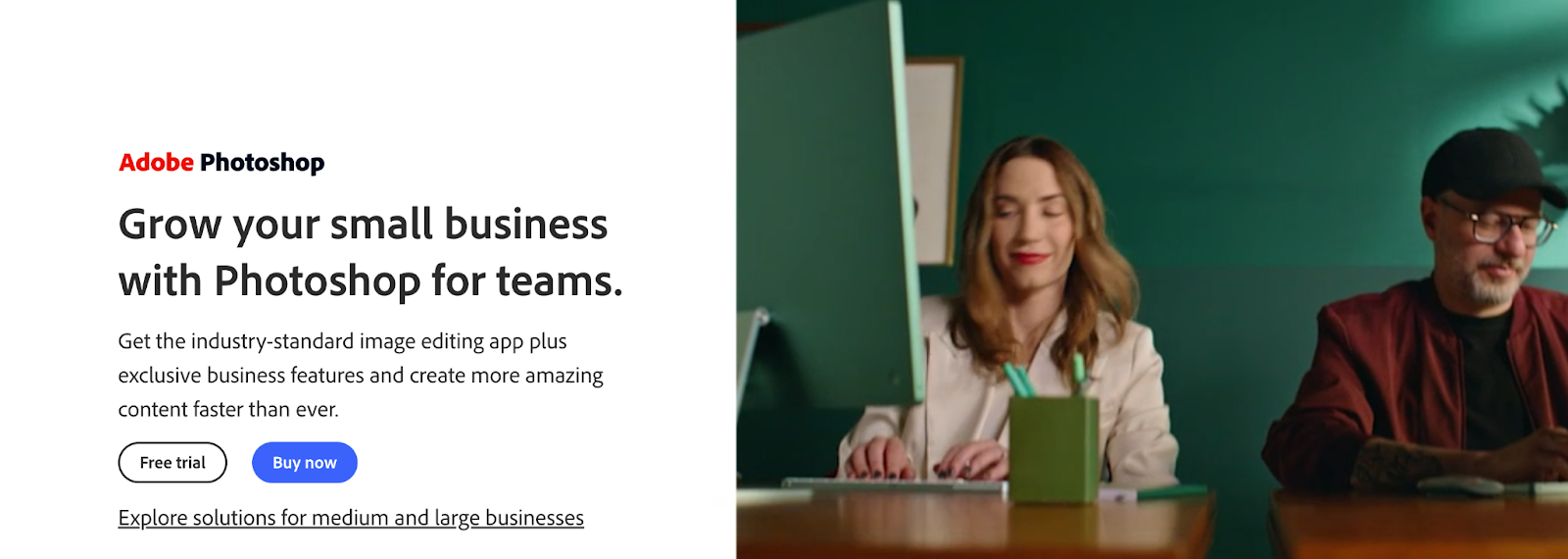
Photoshop is famous in the industry when it comes to product photography editing apps. It offers a wide range of tools, from background remover for product photos to retouching, compositing, masking, adjustments, etc. And more recently, it now offers generative AI through Adobe Firefly. While it has lasted long in the market and it gets the job done eventually, it is also complex and expensive.
Key Features
- It promises a full layer system, masks, channels, advanced selections, and retouching.
- With newer plans, it offers Generative AI (image and vector) that helps improve your creative flow.
- Compatible with PSD files and has a vast plugin ecosystem.
- It offers precise control over product photo edits, high-resolution output.
Ideal Use Cases
- Brands with time and budget to invest in specialist editing.
- E-commerce brands who does traditional product shoots and have an in-house design for product image retouching, fixing reflections, compositing lifestyle scenes, etc.
- Agencies working across multiple creative disciplines.
Pricing
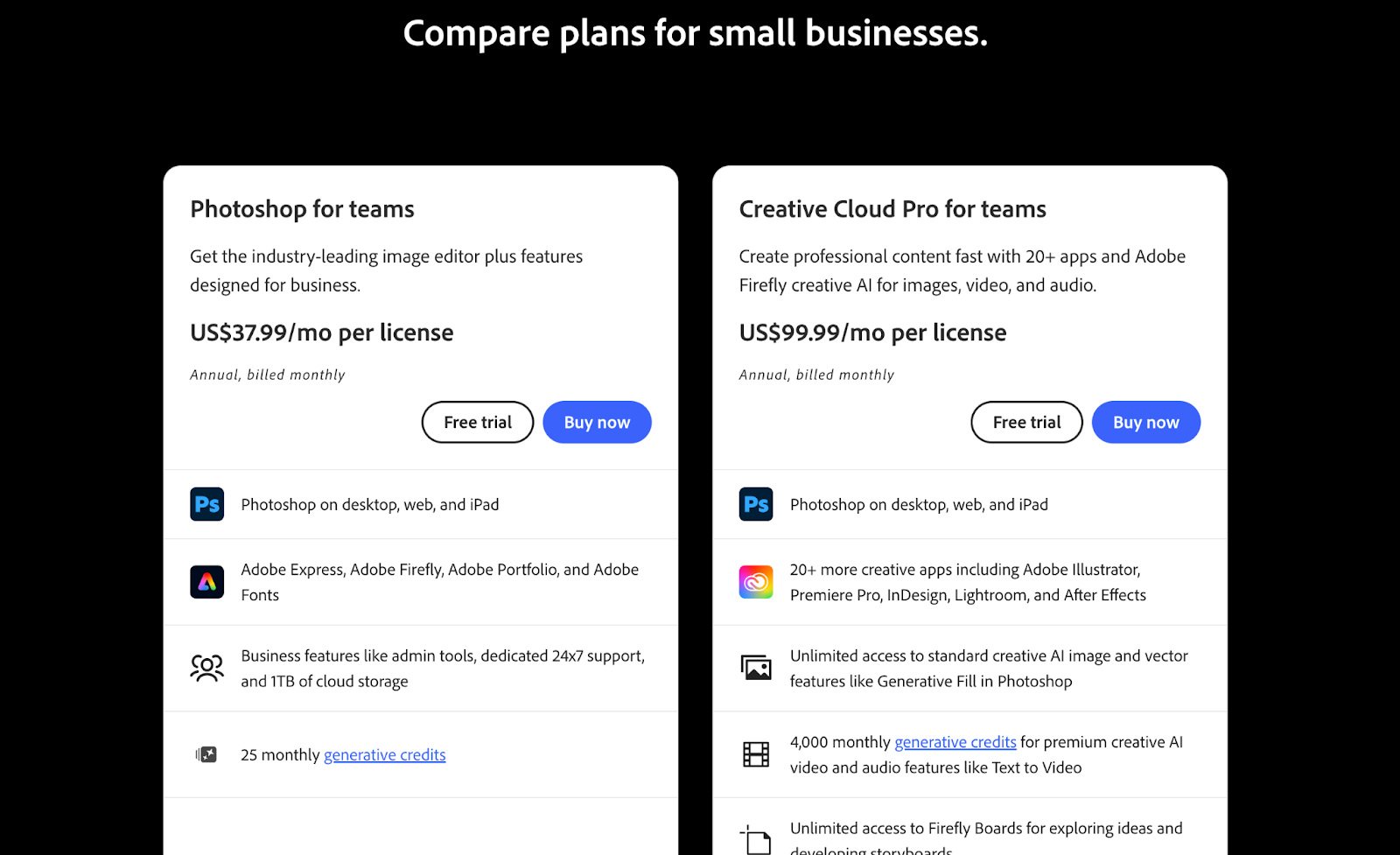
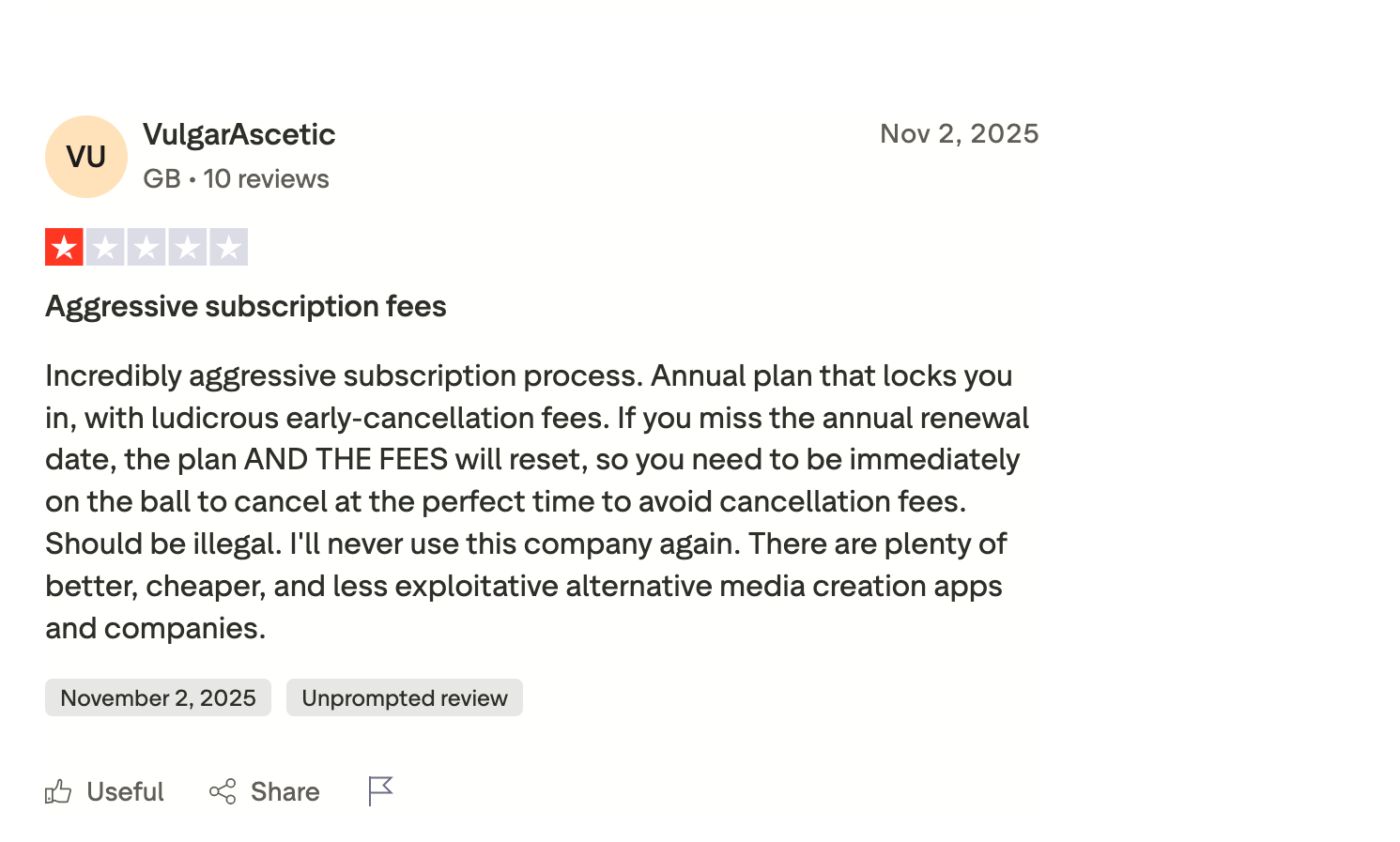
Photoshop for teams costs $37.99/month for an annual commitment for desktop, web & mobile. However, other plans that include the photography bundle, full Creative Cloud, etc., cost more, thereby increasing the cost. With no true “one-time purchase” version, you have to be vigilant if you want to cancel at any time, and that’s where it gets tricky, as there have been numerous complaints about difficulty while cancelling.
Why Are Users Looking for Photoshop Alternatives?
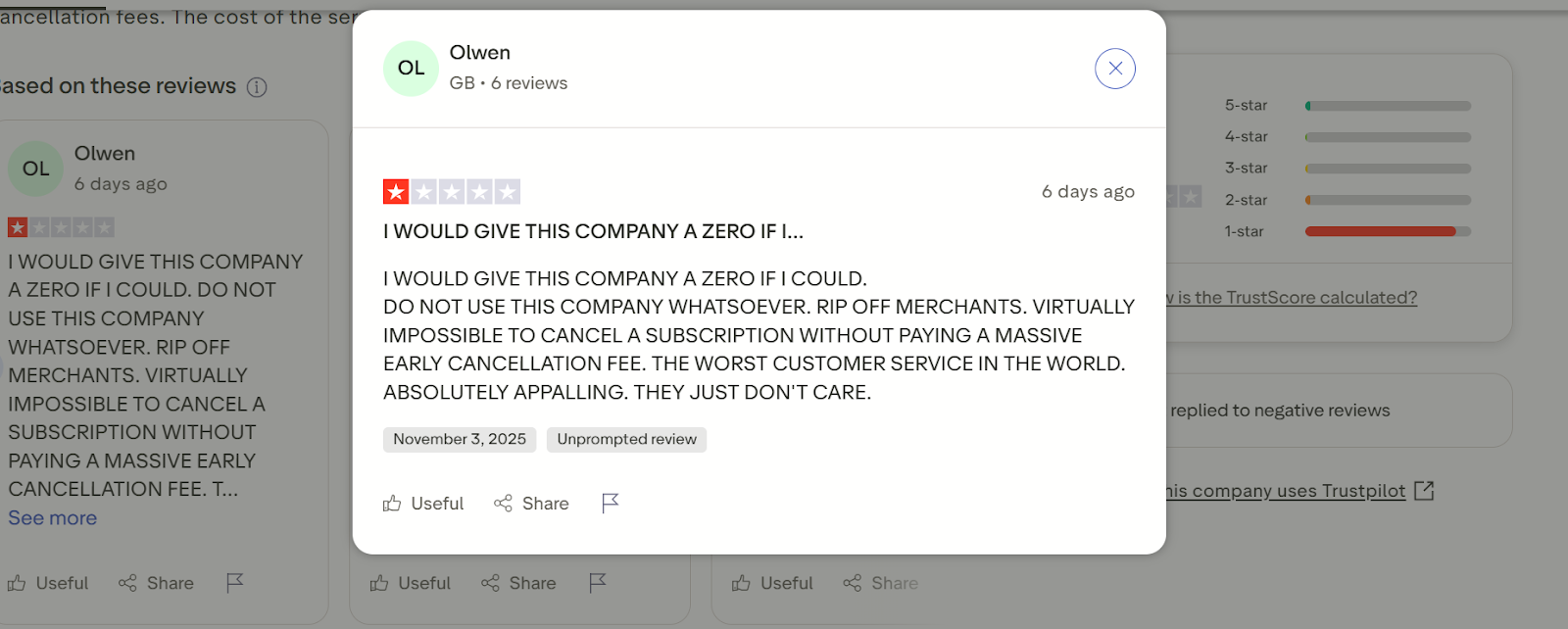
Photoshop has been one of the long-standing retouching tools for e-commerce brands for digital image editing by designers, photographers, and creative agencies for decades. But with the creative industry's recent fast pace, Photoshop’s once-unbeatable dominance is showing cracks.
Many brand owners, marketing, and creative teams are realizing that while Photoshop is still an excellent tool, it’s not always the most practical one. Hence, they are looking for easier, smarter, and more affordable alternatives. Here are some of the top reasons users are seeking a better alternative to Photoshop.
It is Time-Consuming and Complex
While Photoshop has some strong features, it comes with a steep learning curve. Not only does it require a skilled designer, but tasks like background removal, lighting adjustment, or object replacement can take several minutes to hours per image, especially for non-designers. For fast-growing brands that need to produce dozens of product shots daily, this level of manual work simply doesn’t scale.
Not Optimized for E-Commerce Needs
Photoshop was designed to be a general design tool, so its features are not suitable for specific product photography or digital commerce.
AI product photography tools, on the other hand, can be used to carry out simple tasks like creating uniform white backgrounds for Amazon listings, generating lifestyle product scenes, resizing creatives for Meta, Walmart, or TikTok ads, etc., easily without requiring extra plugins or manual resizing like Photoshop would.
Subscription Cost Adds Up
Adobe Photoshop is subscription-based, and when combined with other necessary tools like Lightroom, Illustrator, or Creative Cloud storage, the monthly bill can become pretty expensive, especially for small teams. Photoshop alternatives like Pikes AI and other Gen AI product photo editing tools do not need all these additional tools and cost only a fraction of what Photoshop costs.
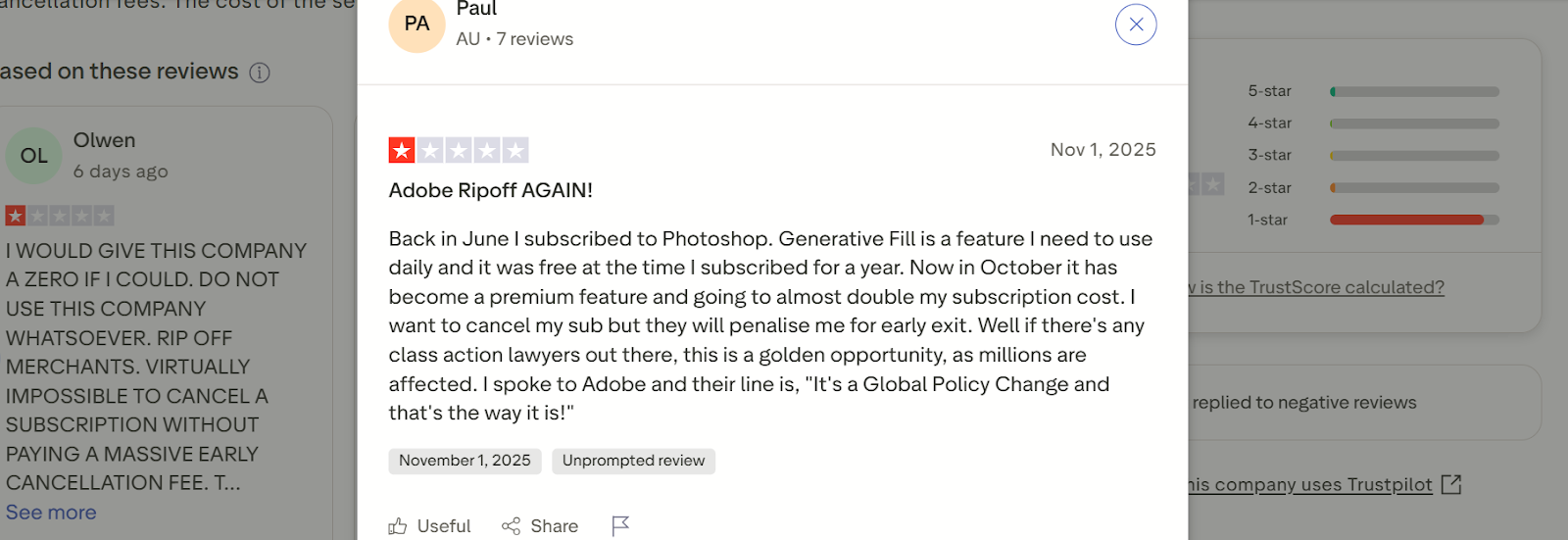
Lack of AI-Powered Automation
An undeniable edge that retouching tools for e-commerce brands should have is AI-Powered automation, as this will help speed up repetitive processes such as object or background removal and image enhancement, allowing more work to be done in a short period of time.
While Photoshop has begun integrating AI, like Adobe Firefly, it still has a long way to go to achieve the ease of use brands need today, as you still have to do a lot of manual work.
How to Choose the Best Photoshop Alternative for Product Editing
Ever wondered which photo editor is best for e-commerce product pictures? Well, there’s an informed way to decide, not just by flipping a coin. With an endless list of Photoshop alternatives available, you need to ensure whichever AI photo editor you choose has the right features to fit your unique brand needs.
While some of these tools offer quick edits, others excel at brand consistency and automation, which will help you scale your visuals as you scale as a brand. Here are some key factors you should look out for when deciding on the best photo editing software for your brand.
1. Ease of Use
Your chosen editing tool should make content creation processes simple and not complicate things. You want product photo editing tools that are easy to use, with intuitive interfaces, drag-and-drop tools, and automated editing features that will allow your marketing, content, and product team to make quick changes without needing a full design background.
2. Product Detail Consistency
For every project you’re handling, the accuracy of the product photos in terms of intricate details like logo and text label is important. If we’re being honest, you would admit that many AI tools distort packaging details on your product, or add strange elements or blurry labels to your photos. You want online image editing tools that guarantee consistency in product detail, high-fidelity rendering of your product labels, shapes, and textures across all product photos, especially if you’re a retail or beauty brand, so every visual detail counts.
3. Pricing and Scalability
Product photo editing tools like Photoshop require individual licenses and come with steep learning curves that limit how many people in your team can use it effectively. However, some of the best photo editing software that are AI-based offer affordable, scalable pricing based on usage, while also allowing multiple team members to create visuals without extra costs.
The Best Photoshop Alternatives For E-commerce Brands in 2025
Here are our top picks on the best alternatives to Photoshop that ecommerce brands can leverage to scale their business, starting with the very best.
Pikes AI
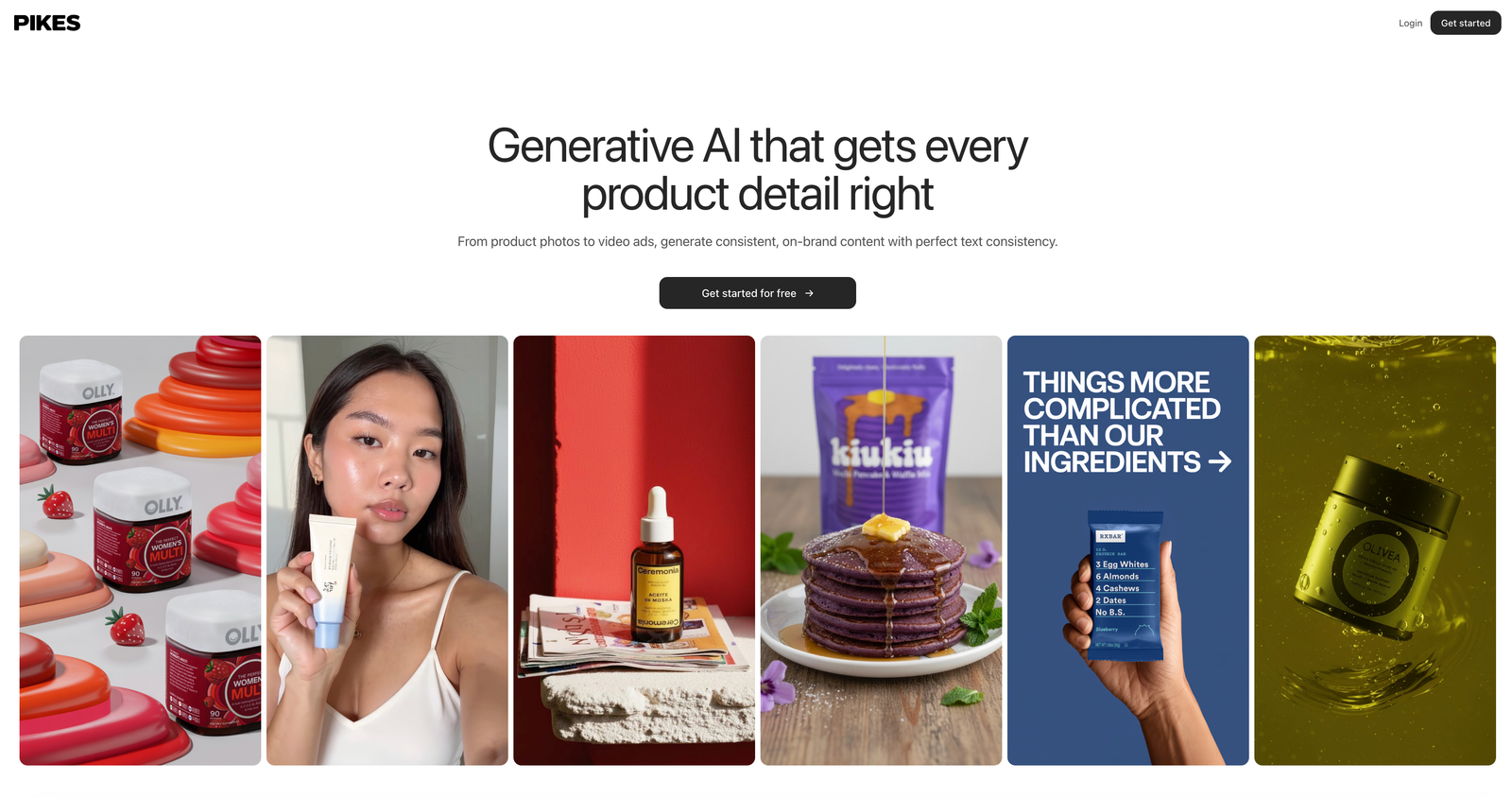
Pikes AI is a Gen AI platform built for creatives in the e-commerce industry. The platform allows you to create a wide range of content from product photos to video ads, generate consistent on-brand content with perfect text consistency, and hyper-realistic outputs.
Key Features
If you’re looking for how to edit product photos without Photoshop, then Pikes AI is what you need. The gen AI platform is designed to specifically serve fast-growing consumer brands, with key differentiating features such as;
- Utilizing the best-in-class model for all content generation tasks, such as edit image, animate product image, text to image, custom-trained style model, etc., all done seamlessly.
- Generate product images with perfect product detail consistency, not just your usual ChatGPT, Google Slop, with no alien text on your product label
- Ability to seamlessly create product videos by animating a product image.
- An AI product photography tool that allows you to train custom style models. Simply upload 4-20 reference images to improve the accuracy of project details.
- Pikes AI offers you numerous templates, including a discover page to find inspiration, and an Ad insights feature, which allows you to look at the ads that your competitors are running for inspiration.
- Allows creation of multiple dimensions of images so you can use them in all channels, such as Amazon, Walmart, TikTok, Meta, etc.
Ideal use cases
- Pikes AI replaces photoshoots altogether by placing your product in different contexts
- You can animate product images to make them more engaging
- Seamless AI Photoshop, where you can easily modify an image, add an object, remove an object, change color, resize an image, etc.
- Easily create lifestyle photos for your brand through prompts
- Create product images for Amazon and other retailer sites
Canva
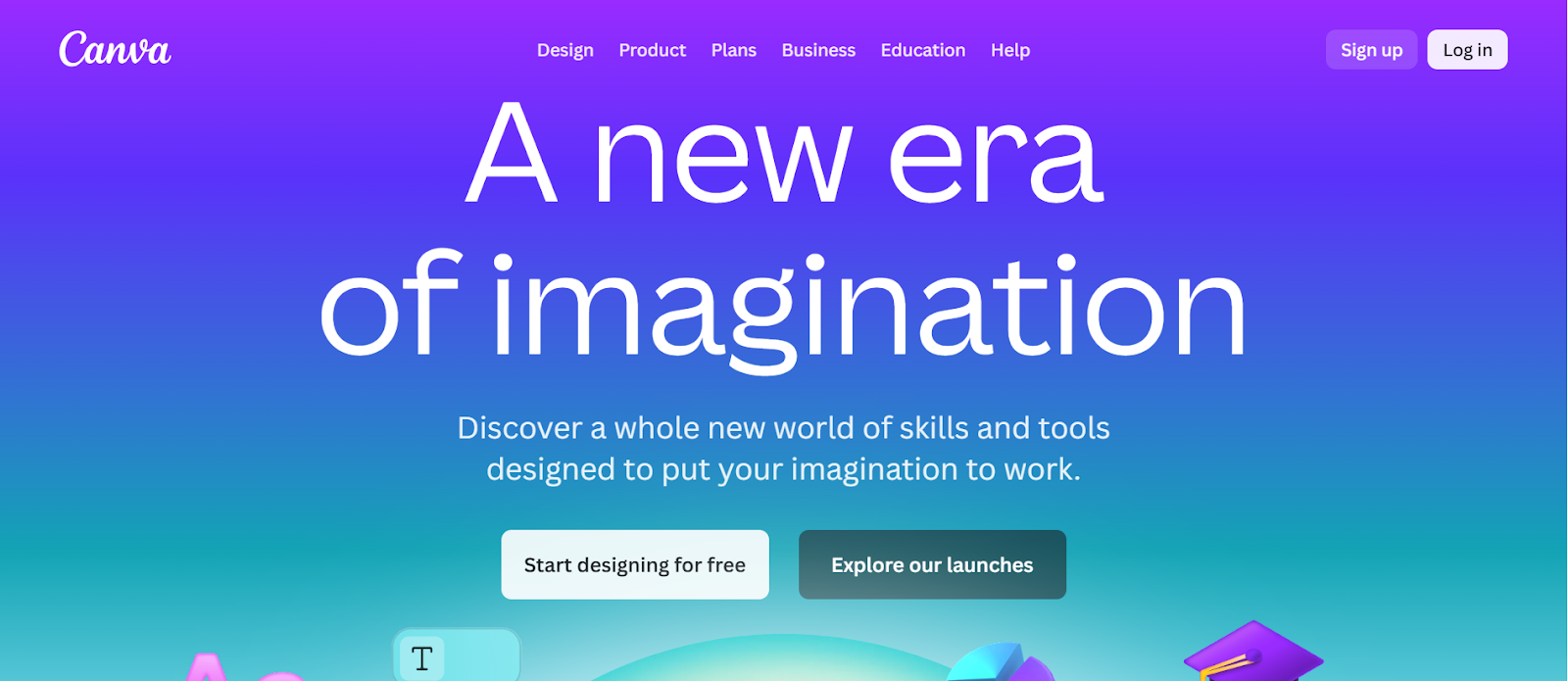
Canva is another cloud-based design platform built for simplicity and speed. The platform is originally focused on social graphics and presentations, includes features for image editing, background removal, brand kits, and allows for collaboration among team members.
Key Features
- It has a drag-and-drop editor, numerous templates to choose from, a background remover, etc.
- It allows for Brand kit support by uploading logos, customised colours/fonts.
- Allows for collaboration and utilizes cloud storage.
- It is web-based and accessible from any device.
Ideal Use Cases
- Ideal for smaller e-commerce brands or startups with limited design resources with a need for quick social or web visuals.
- For marketing teams who want to create product-related graphics (ads, banners) without a full designer.
- Brands that need multi-channel dimensions (social posts, stories, web thumbnails) and simple edits like background removal.
Pricing
Canva has a free plan with Basic features available, a Pro Plan that costs approximately US$12.99/month for individuals or US$119.99/year for more features. They also have an enterprise plan available on request.
Quick Decision Guide
1. Photoshop
Key Strengths
- Offers layered editing features, advanced masking, compositing, etc.
Best Used For…
- Precision retouching and professional-grade image manipulation
Not Ideal If…
- You want precision edits, automation, batch exports, or large-scale SKU workflows
2. Pikes AI
Key Strengths
- Gen-AI model built specifically for consumer brands
- Perfect character and style consistency, with custom style models
- Ability to animate product images.
- Offers multi-channel exports, ad-insights, and replaces photoshoots completely.
Best Used For…
- Fast-growing e-commerce brands that want automated, scalable, consistent product images and videos beyond just background removal for product photos.
Not Ideal If…
- You only need basic editing, and no complex creativity is needed.
2. Canva
Key Strengths
- Easy to use
- Numerous templates available
- Allows for quick background removal and multi-channel resize.
Best Used For…
- Social media creatives, ads, and simple product graphics
Not Ideal If…
- You need a quick-to-use product retouching or product-specific AI workflows
Use Pikes AI Today!
Brands today don’t just need editing tools; they need speed, automation, and visual consistency. And while Photoshop is powerful, it is too slow, expensive, and complex for the agile needs of modern e-commerce teams.
This is why many founders, CMOs, and content creators are switching to AI-driven platforms like Pikes AI, where you can generate perfect product visuals instantly, train your AI model to maintain consistent brand aesthetics, and create lifestyle scenes, animations, and ad-ready visuals in seconds! While Photoshop may have been useful for designers, Pikes AI is built for brands like yours.